 CloseEase Blog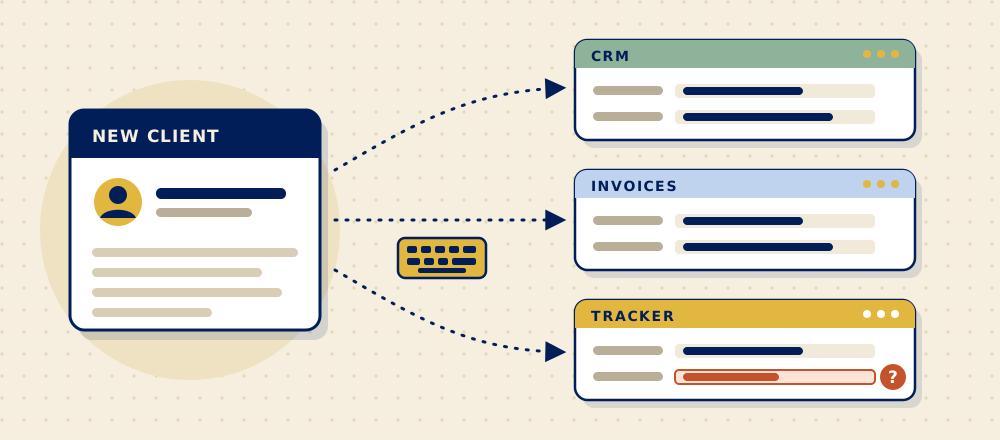
A new client signs on. Someone enters their details in the CRM, then again in the invoicing tool, then again in the project tracker. Nobody planned it that way. It just happened, one tool at a time.
Short answerYour team types the same information in several places because each tool was added on its own and nobody set up how they share information, so people do the copying by hand. It's a connection problem, not a people problem. The usual fix is to enter the details once and have the tools you already use share them.
Why does your team type the same information in more than one place?
Most businesses add software as they grow. Each tool solves one problem well, but nobody is responsible for how the tools talk to each other. So people become the connection. They copy, paste and retype, and the work gets done, slowly.
What does retyping really cost?
The obvious cost is time. The bigger cost is that every copy is another chance for the information to be wrong. A typo in one system means an invoice goes to the wrong address, or a deadline lives in one tool and not the other. Then someone spends an afternoon working out which version is right.
It's also the work people like least. In Zapier's survey of 1,000 workers at firms with fewer than 250 staff, data entry, meaning moving information from one app to another, was the most dreaded task.1 And every extra copy is one more place to search: McKinsey estimated that people in these roles spend about 19% of their day searching for and gathering information.2
How can you tell it's happening at your firm?
- People keep a spreadsheet "just to keep track" of what's in the real system.
- The answer to "which one is correct?" is "it depends who updated it last".
- New hires are trained on which fields to copy where.
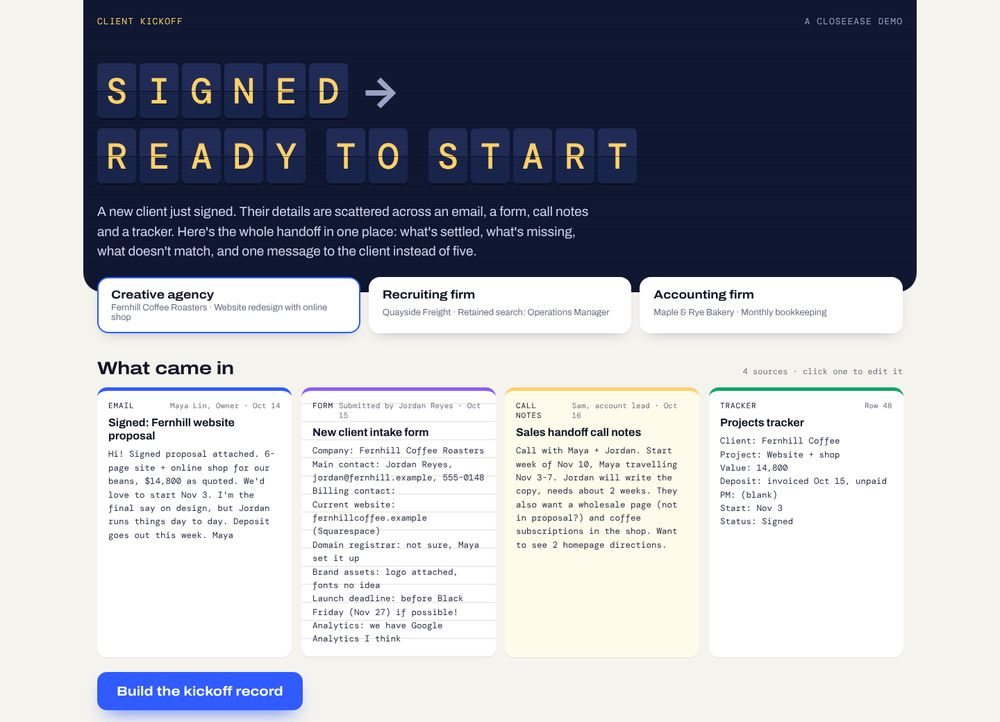
To check your own handoff, run the ready-to-start checklist on your last new client: 15 things that should be in place between a client signing and the work starting.
How do you fix it?
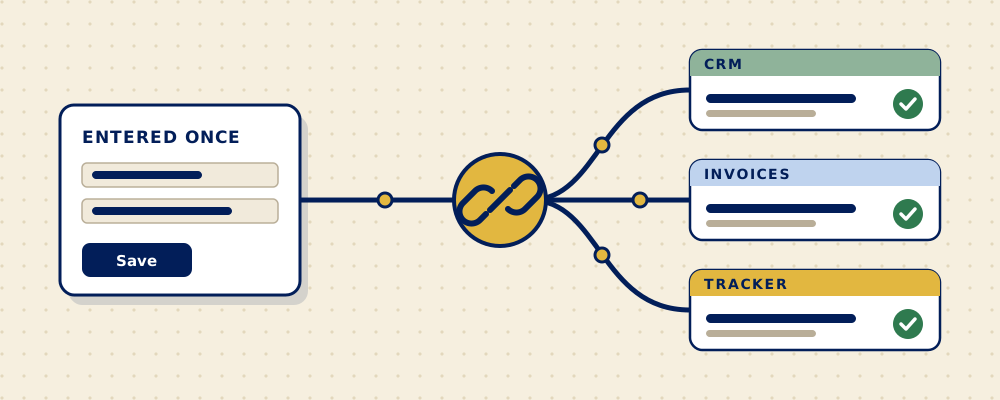
In a Find, we follow one piece of information, like a new client, from the moment it arrives to the moment the work is done, and map every place it gets typed. Usually the fix is a connection between tools that already exist, so the information is entered once and shows up everywhere it's needed. Sometimes it's a small tool your staff use instead of the spreadsheet. Either way, you get a written recommendation and a clear quote before anything is built.
Questions people ask
How do you stop entering the same data twice?
Pick one place where each piece of information is entered first, usually the CRM or an intake form, and connect your other tools to it so they receive the details instead of having them retyped. Most common business tools can be connected, either directly or through an integration tool.
Is double data entry a sign we need new software?
Not usually. Most of the time the tools you have are fine and they just aren't connected. New software only makes sense when the tools you have can't share information at all.
Which information should be entered first?
Whatever arrives first. For most service firms that's the new client's details at the moment they sign, so that's where the single entry point should be.
What's the risk of leaving it as it is?
Mistakes that are hard to trace: an invoice to an old address, a deadline that lives in one tool but not another. The time cost grows with every new client and every new hire.
Sources
- Zapier, "Knowledge workers' most dreaded tasks", April 2021. Survey of 1,000 US knowledge workers at businesses with fewer than 250 employees, run by OnePoll. Zapier sells automation software.
- McKinsey Global Institute, "The social media productivity payoff", 2012.